Delete
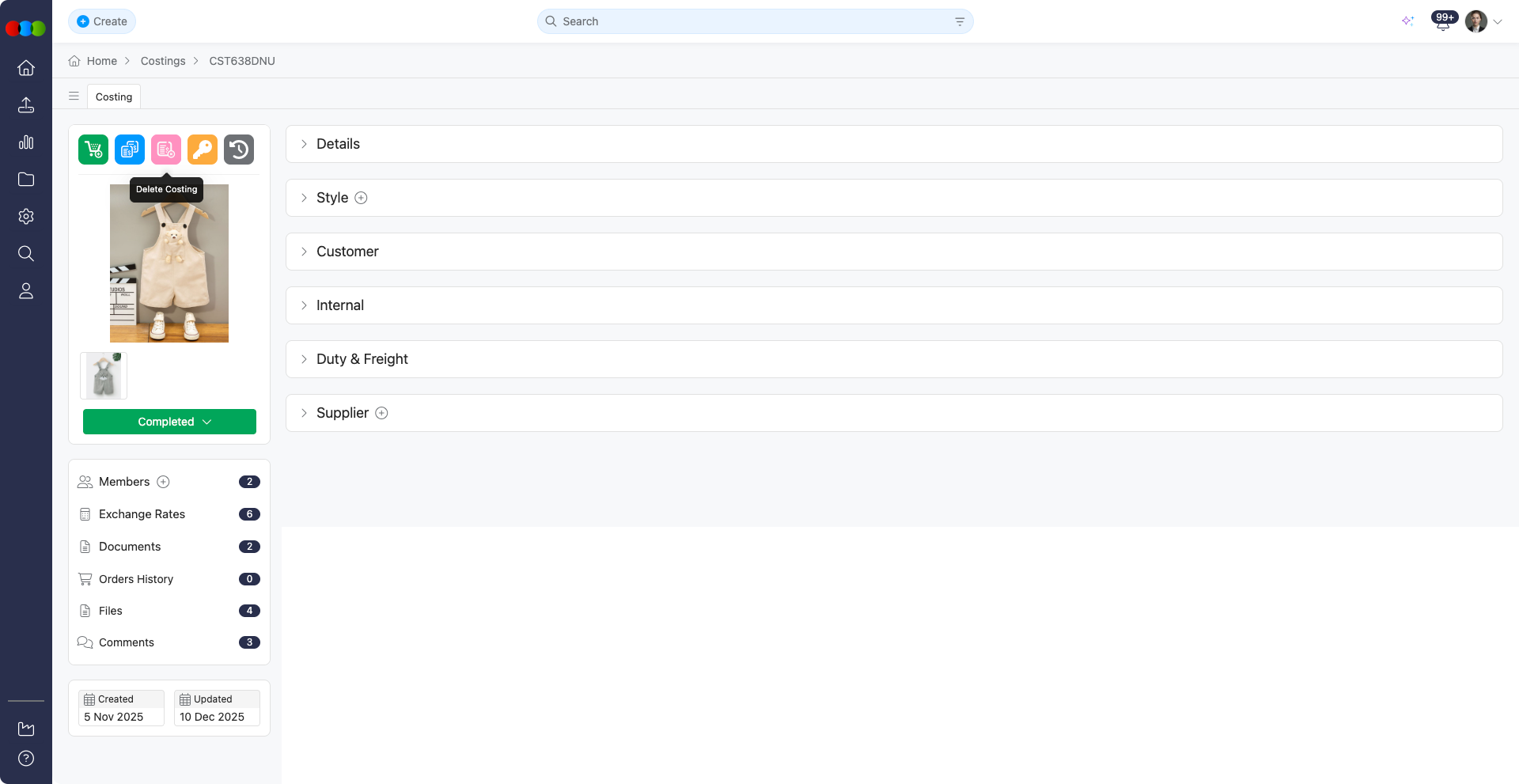
The Delete control removes a costing record entirely when it is obsolete or created by mistake, and only users with Costing > Delete permission on their Production Portal role see it. Confirmation is required because the operation cannot be undone. Use it sparingly after verifying you are on the correct costing number. Deletion removes the cost sheet from active use together with its sidebar context; check Order History and related orders first so live pricing is not stranded. Prefer Expired status when historical cost sheets must remain discoverable for audits or claims.
Core Actions
| Feature | Description |
|---|---|
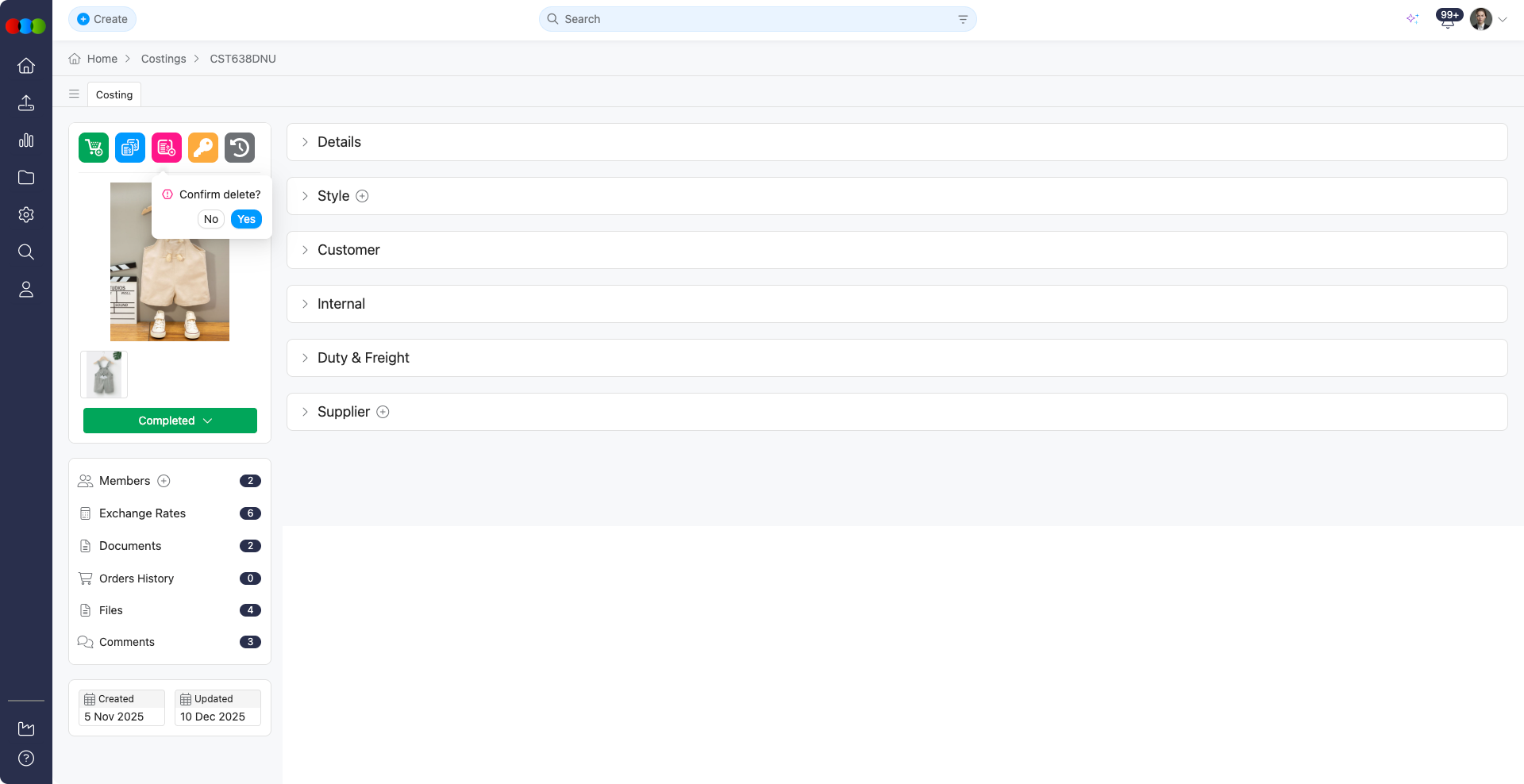
| Delete Costing | Click the delete icon in the sidebar widget to initiate deletion. A confirmation dialog will appear—click Confirm to proceed or Cancel to abort. The item is permanently removed from the database. (Requires appropriate permissions) |
Important Notes When Deleting
Irreversible Action: Deletion permanently removes the costing item from the database. Once deleted, the information cannot be recovered.
Permissions: Deletion requires Costing > Delete permission on the user's Production Portal role. Refer to Site Settings > Company > Roles & Permissions to review the role configuration.
Dependencies: Before deleting a costing item, check if it is referenced by other records (such as orders, claims, or reports). Deleting items with dependencies may cause data integrity issues or break existing workflows.
Best Practices
Verify before deleting: Always double-check the costing details, including item numbers, descriptions, and associated data, before confirming deletion.
Review dependencies: Before deleting a costing item, check if it is referenced by other records. Deleting items with dependencies may cause data integrity issues or break existing workflows.