Dashboard Overview
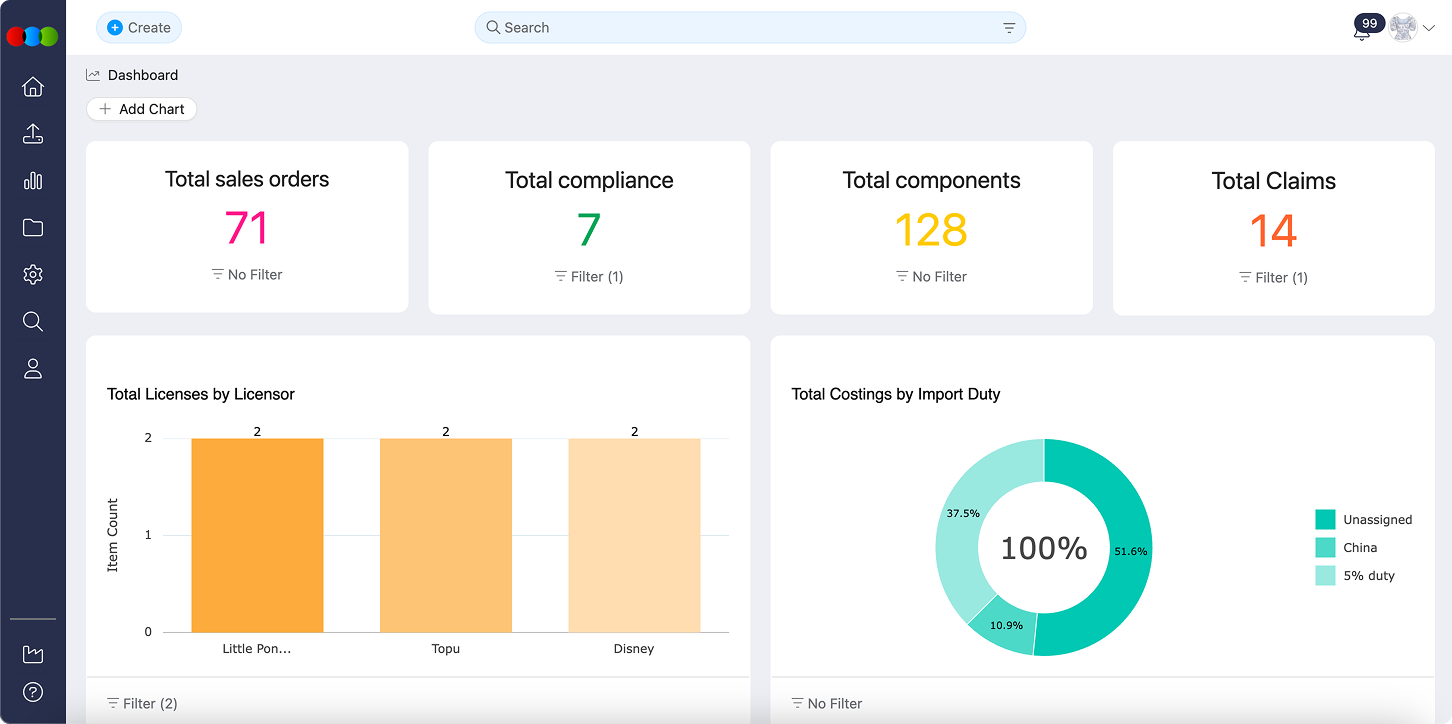
The Dashboard is your main hub for seeing important information about your business at a glance. It helps you track sales, production, and other key numbers, all in one place. You don't need to be a data expert—just use the dashboard to get the answers you need quickly.
What You Can Do
- See real-time updates on your most important business numbers
- Create charts and reports to track what matters to you
- Click on charts to explore details and spot trends
- Combine information from different parts of your business for a complete view
Why Use the Dashboard?
- Make faster, better decisions with up-to-date information
- Save time by having all your key data in one place
- Share easy-to-understand charts with your team
Chart Types Explained
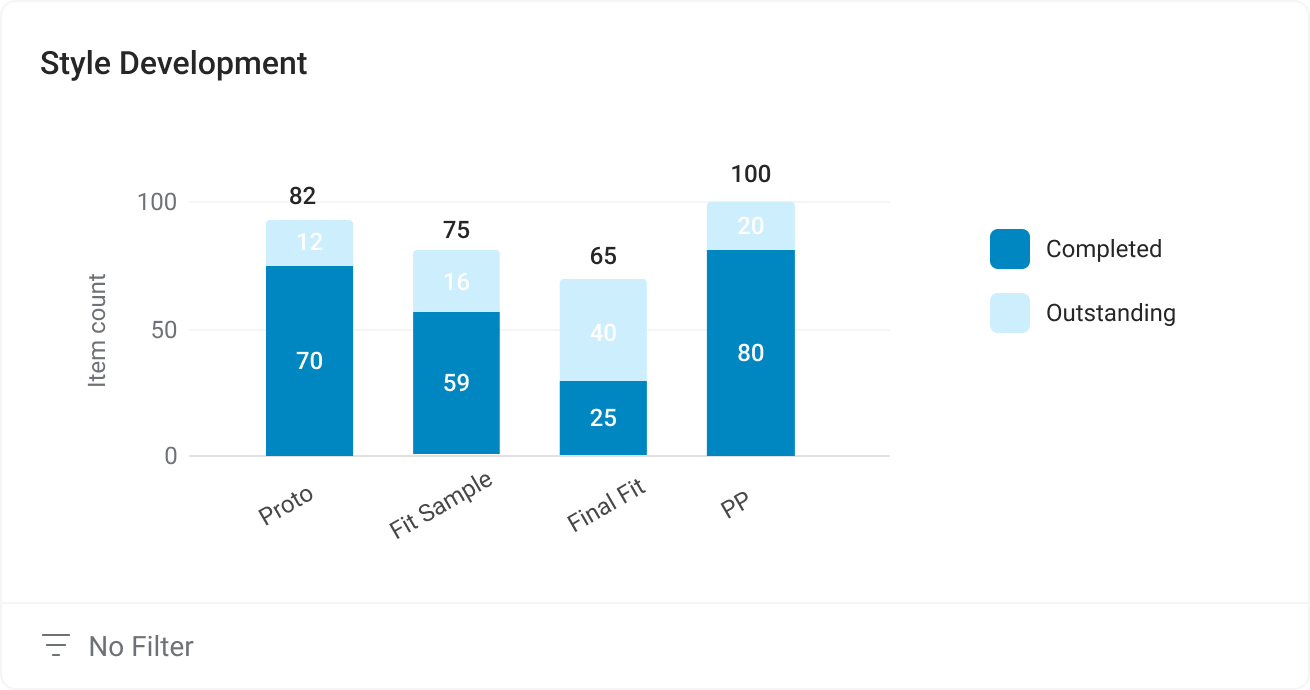
- Stacked Bar Chart – Compare totals and see how different groups add up
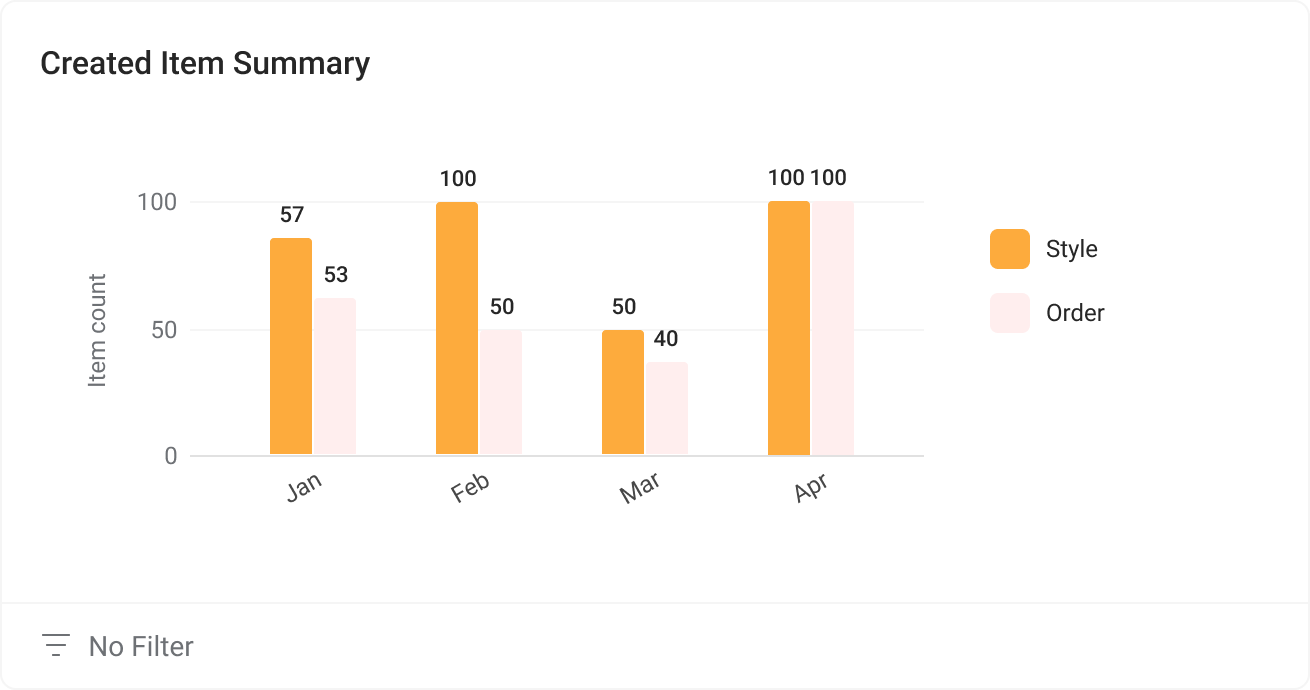
- Grouped Bar Chart – Compare several groups side by side
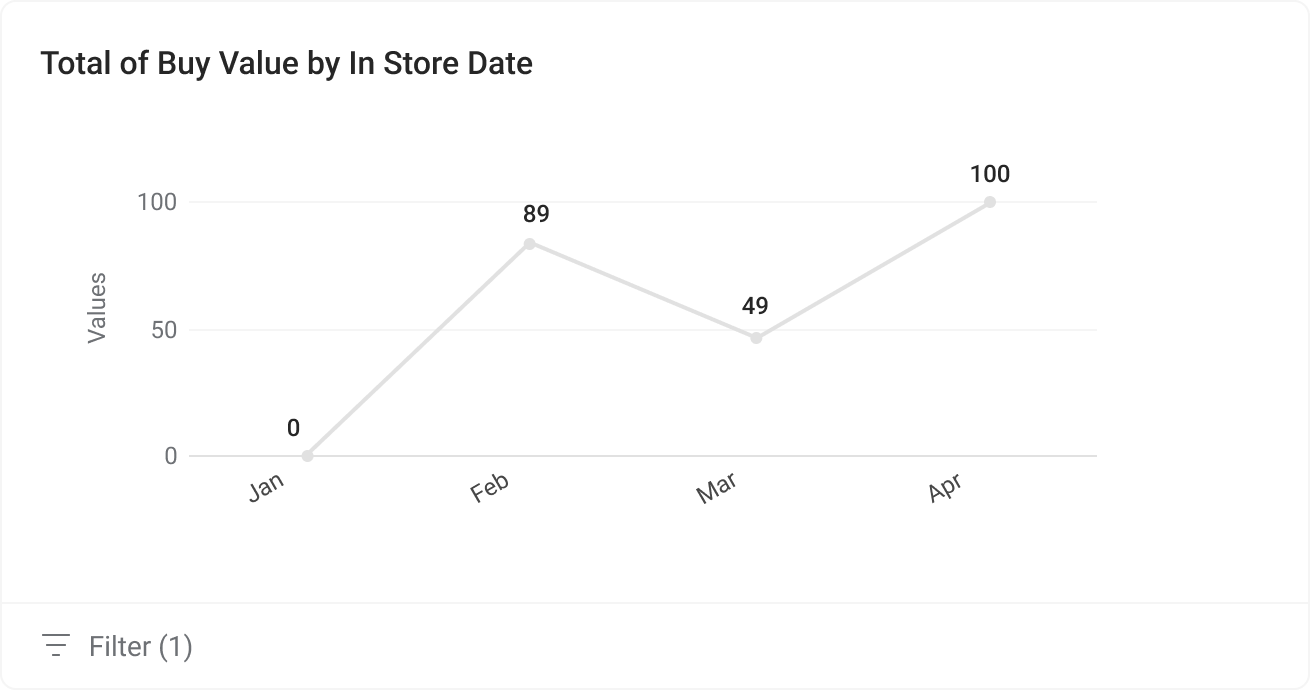
- Line Chart – Track changes over time (like sales each month)
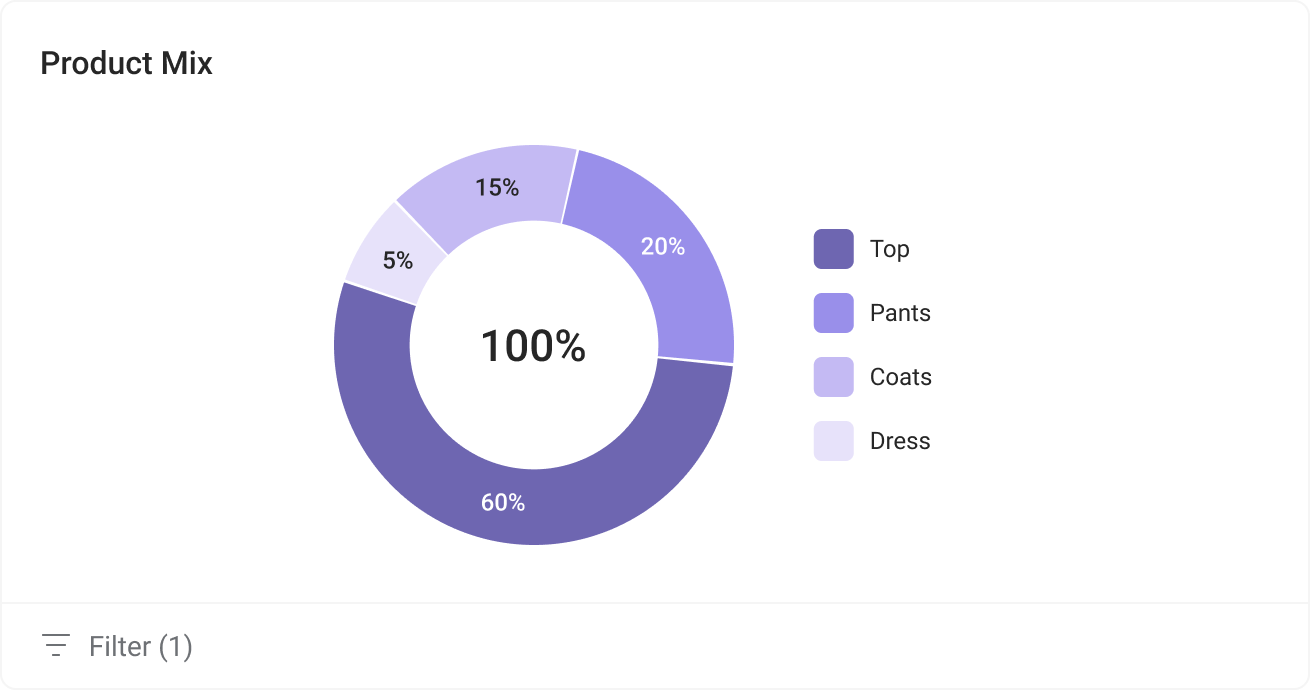
- Pie Chart – See how parts make up a whole (like sales by category)
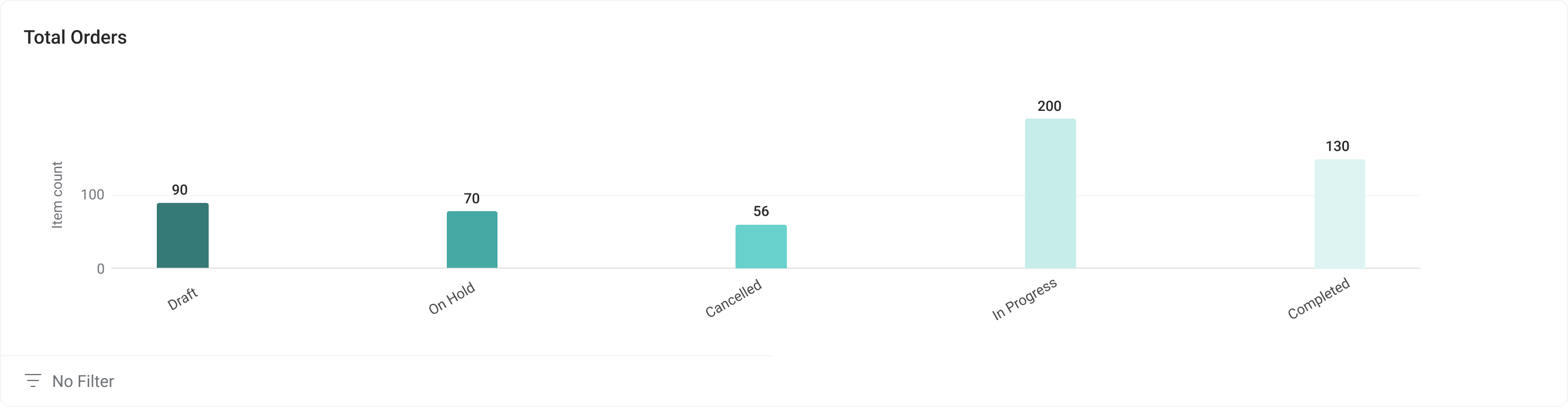
- Bar Chart – Compare values for different items
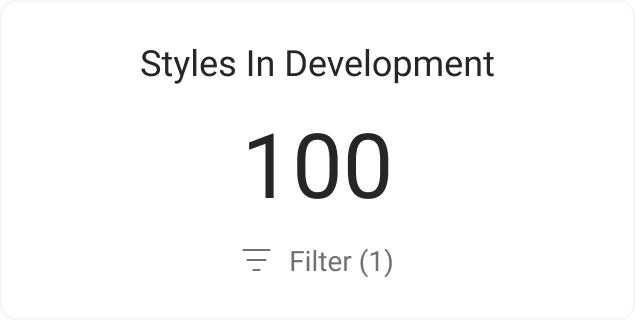
- Number Chart – Show a single important number (like total sales)
Helpful Tips
- Start with the charts that matter most to your daily work
- Click on any chart to see more details
- Use the dashboard to spot problems early and celebrate wins
Channel Readiness
Beyond charts, the Dashboard includes Channel Readiness—a summary of how complete your style library is for each channel configured in Site Settings > Style > Channels. Each channel shows an aggregate readiness percentage; click a channel to open Style Search with the Channel Readiness view and that channel pre-selected.
See Channel Readiness for how percentages are calculated, how drill-through to search works, and sample workflows for launch preparation.
Next Steps
Chart Types
- Stacked Bar Chart
- Grouped Bar Chart
- Line Chart
- Pie Chart
- Bar Chart
- Number Chart