Integrations
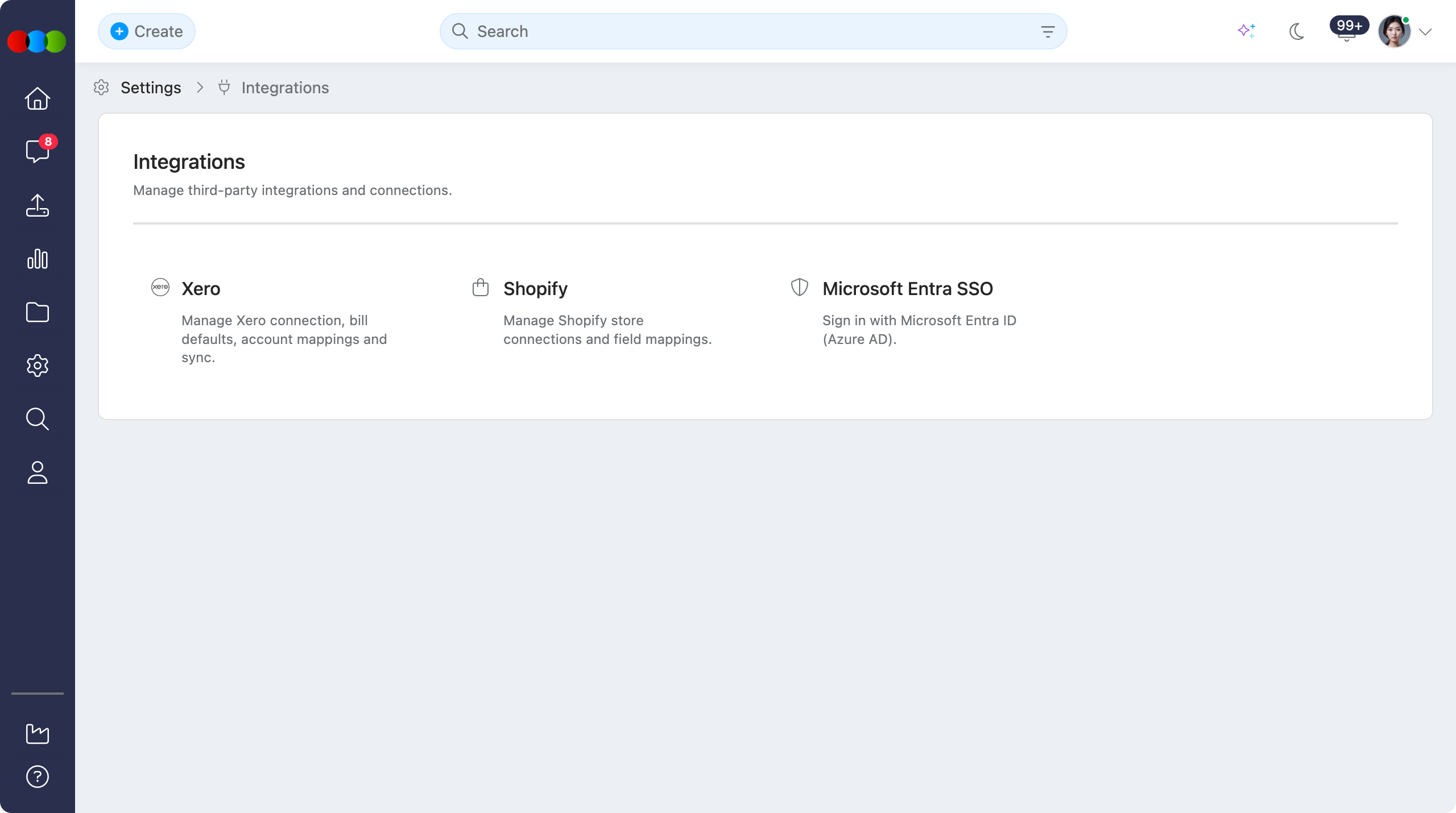
Site Settings > Integrations is where administrators manage third-party connections for your organisation. From this hub you open each integration to configure authentication, mappings, sync behaviour, and related settings without leaving Site Settings.
Use the cards below to choose the integration you need. Each opens a dedicated configuration area with its own feature toggle and setup steps.
Quick Check - Before You Start
- Confirm you have Site Settings access and permission to manage integrations.
- Identify which systems your organisation uses (Xero, Shopify, and/or Microsoft Entra ID) before enabling a connection.
- For accounting or eCommerce sync, coordinate with finance or merchandising so defaults and mappings are agreed before the first live sync.
- For SSO, confirm with IT that the Microsoft Entra tenant and user accounts are ready before turning the integration on.
Open Integrations
- Go to Site Settings > Integrations.
- Select the integration card you want to configure (Xero, Shopify, or Microsoft Entra SSO).
Available Integrations
| Integration | Description | Documentation |
|---|---|---|
| Xero | Connect Xero for purchase order bills: connection, bill defaults, account and tax mappings, payment terms, and sync activity. | Xero › Overview, How Xero Works |
| Shopify | Connect Shopify stores and manage field mappings so styles, variants, images, and pricing stay aligned with your online shopfront. | Shopify |
| Microsoft Entra SSO | Allow users to sign in with Microsoft Entra ID (Azure AD) using your organisation’s identity provider. | Microsoft Entra SSO |
Enable each integration when ready
Integrations are configured independently. Enabling or disconnecting one does not change the others. Turn an integration on only when the related credentials, mappings, or identity settings are ready for your teams.
Related Settings
- Xero › Overview
- Xero › How Push to Xero Works
- Xero › General Settings
- Shopify
- Microsoft Entra SSO
- Site Settings › Overview
Troubleshooting
Why can I not see Site Settings > Integrations?
Integrations are limited to users with Site Settings access (typically administration permissions). Some integrations may also depend on your organisation’s licence or feature flags.
Steps to resolve:
- Ask an administrator to confirm your role under Site Settings > Company > Roles & Permissions.
- Confirm that Integrations is enabled for your organisation.
- Sign out and back in after permission changes so updated access applies.
How do I know which integration to open?
Choose the card that matches the third-party system you need to connect or maintain. Xero covers accounting and bills, Shopify covers eCommerce product sync, and Microsoft Entra SSO covers organisation sign-in with Microsoft Entra ID.
Steps to resolve:
- Open Site Settings > Integrations.
- Read the short description on each card.
- Open the matching documentation link in the table above for setup detail.