Release Notes - 30th of April 2026
Order > Colour Quantity & Pricing > Colourway
We have improved the size of Colourway dropdown in Order > Colour Quantity & Pricing, allowing you to easily scan colourways that may have longer names.
This improvement applies in:
Order > Colour Quantity & Pricing > Add Quantity 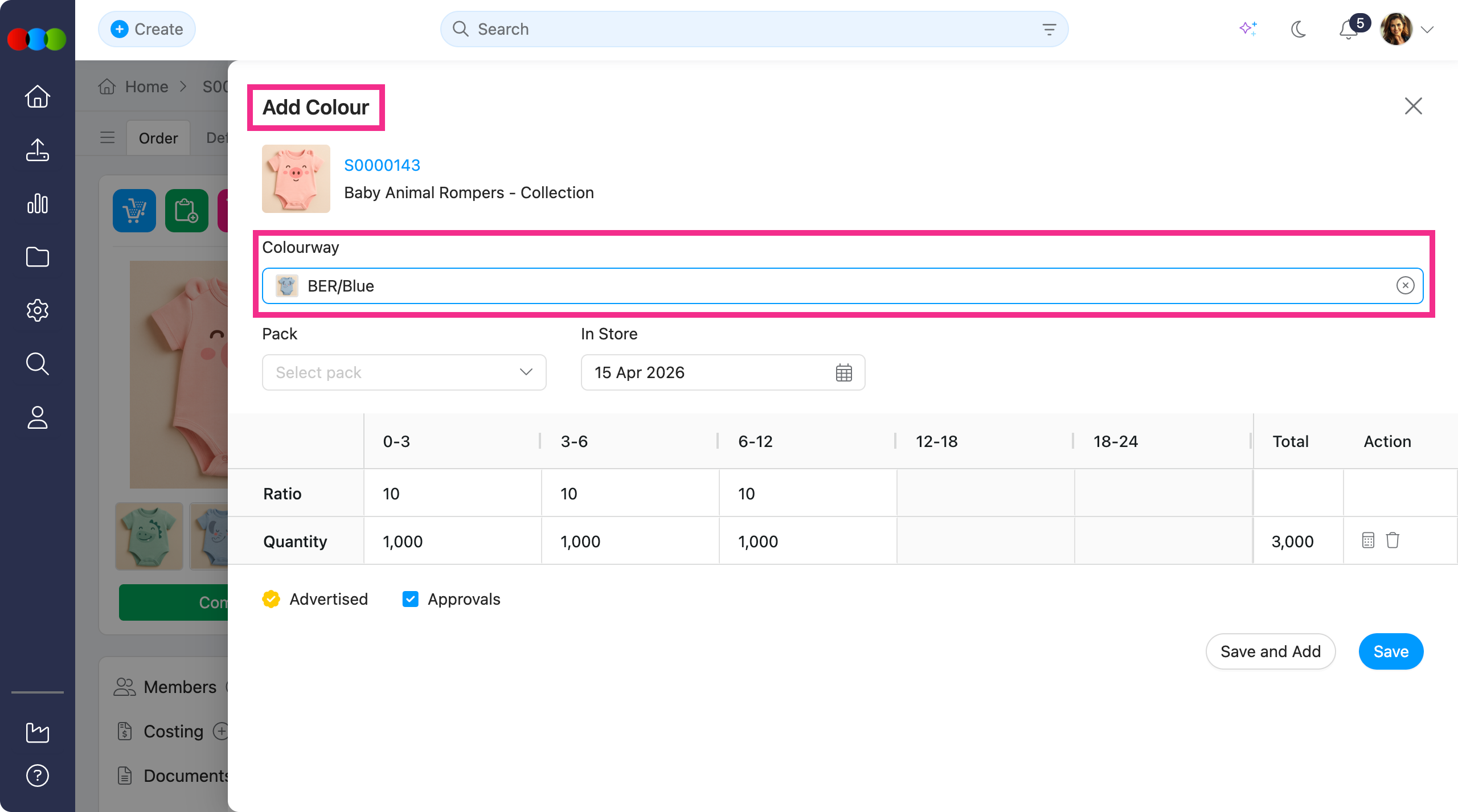
Order > Colour Quantity & Pricing > Add from Inventory 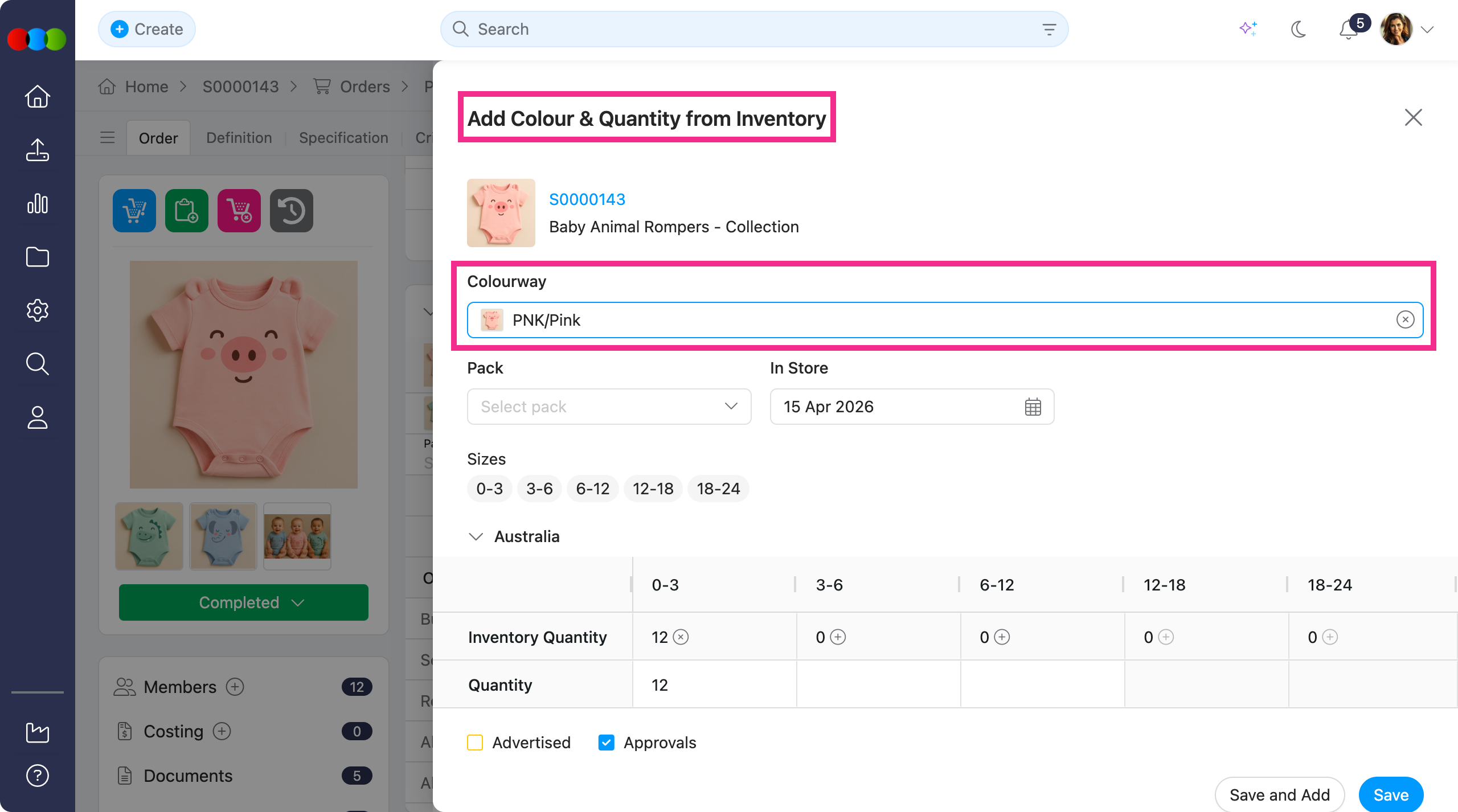
Learn more
For step-by-step guidance on quantities, packs, inventory, and pricing in this section, see Order > Colour Quantity & Pricing.
Planner > Styles > Colourway Image
The Planner now uses the Style > Colourway Image whenever one is uploaded for the selected colourway. If there is no colour image, the preview image plus colourway swatch will be displayed instead.
With this improvement, you get an accurate picture of each option while planning the range, without manually opening the style record.
Learn more
For the Planner > Styles workspace, see Planner > Styles. For uploading a Colourway Image per colourway (separate from the Colour Swatch), see Style > Colours & Pricing.
Costing > Supplier > Supplier Comments > Email Notification
We have improved how email notifications are handled for supplier comments under Costing > Supplier.
Previously, notifications may have been distributed more broadly than intended. With this fix, notifications are now better aligned with the relevant supplier context, helping ensure that recipients receive more appropriate and targeted communication related to their quotes.
Application > Email & In-App Notifications
Previously, users were receiving both In-App notifications and Email notifications for activity they had created themselves.
This has been corrected. In-App and Email notifications are sent only to relevant staff; the user who made the change is excluded from both type of notifications.
Discover more about Notifications
To choose which activities you want be notified, open Settings > Notifications.
Costing > Supplier > Quote Calculations
Previously, Supplier quote figures in Costing > Supplier were not calculating correctly on screen. The error flowed through to dependent calculations on the costing.
This has been fixed. Each supplier line now uses its own quoted price. Margins, landed cost, and other totals that depend on Supplier's quoted prices now show the correct amounts.
Thank you for helping us make things better! If you spot anything else, let us know. We're always here to help.
Happy clicking!
Previous Release Notes