Release Notes - 4th of July 2026
Style/Order Search > Critical Path Activities
You can now add Critical Path > Activities columns to Style Search and Order Search, so you can review milestone progress and take action without opening each style or order individually.
What's new:
- Add activity columns from Choose Columns under the Critical Path category to display activity status across your search results.
- Approve or reject an activity, or leave a comment.
- Bulk-select rows in an activity column to approve or reject the same Critical Path > Activities milestone across multiple styles or orders at once.
- View a total count for each activity column at the bottom of the search page.
Note
You can select up to 40 activity types as columns in the Style/Order search view.
Style Search > Critical Path Activities 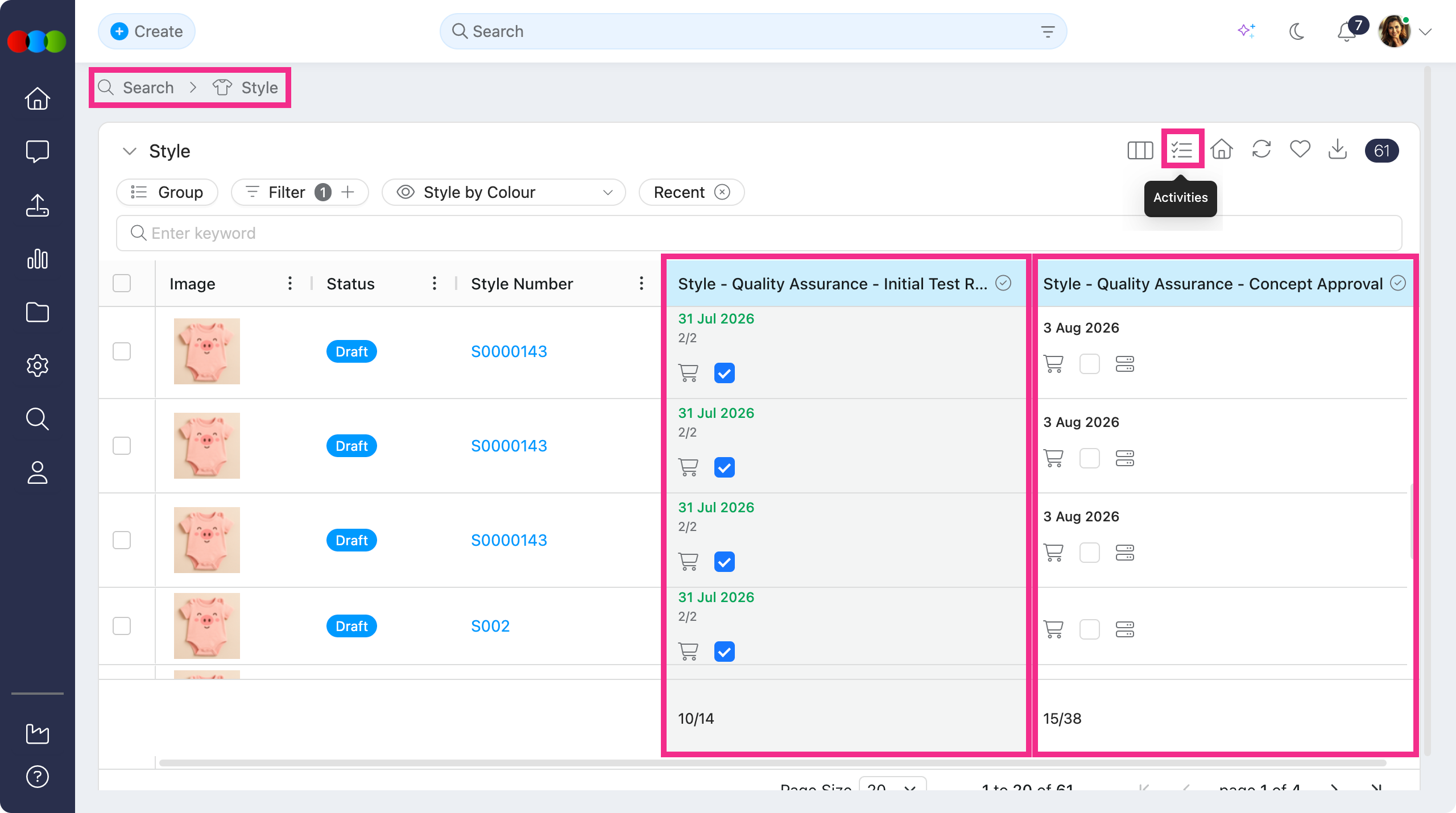
Order Search > Critical Path Activities 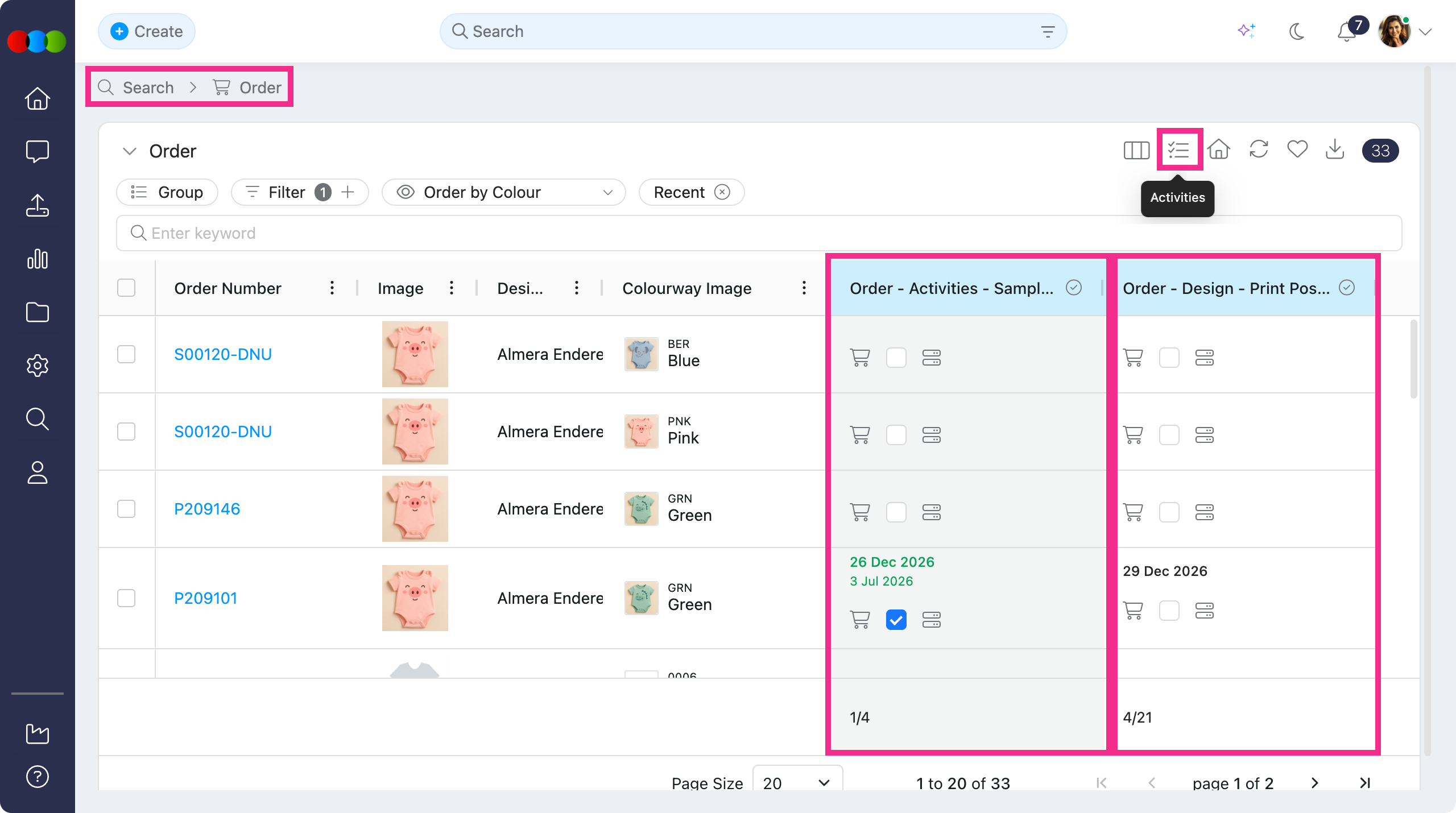
Style/Order Search > Critical Path Activities action 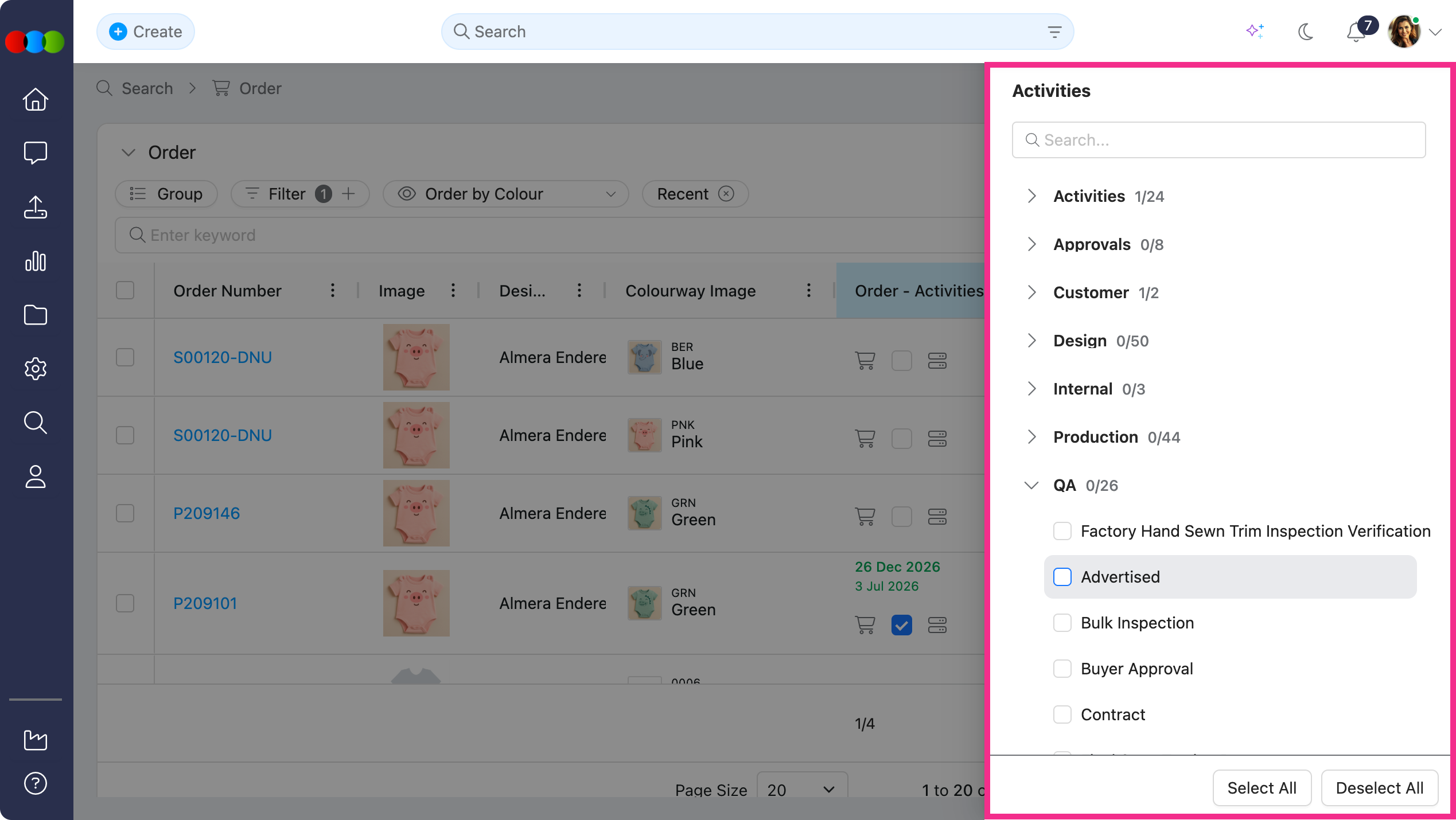
Learn more
For step-by-step guidance on choosing columns, filtering by activities, and working from the search view, see Search > Manage Data, Style Search, and Order Search in the documentation portal.
Site Settings > Company > Communication Templates
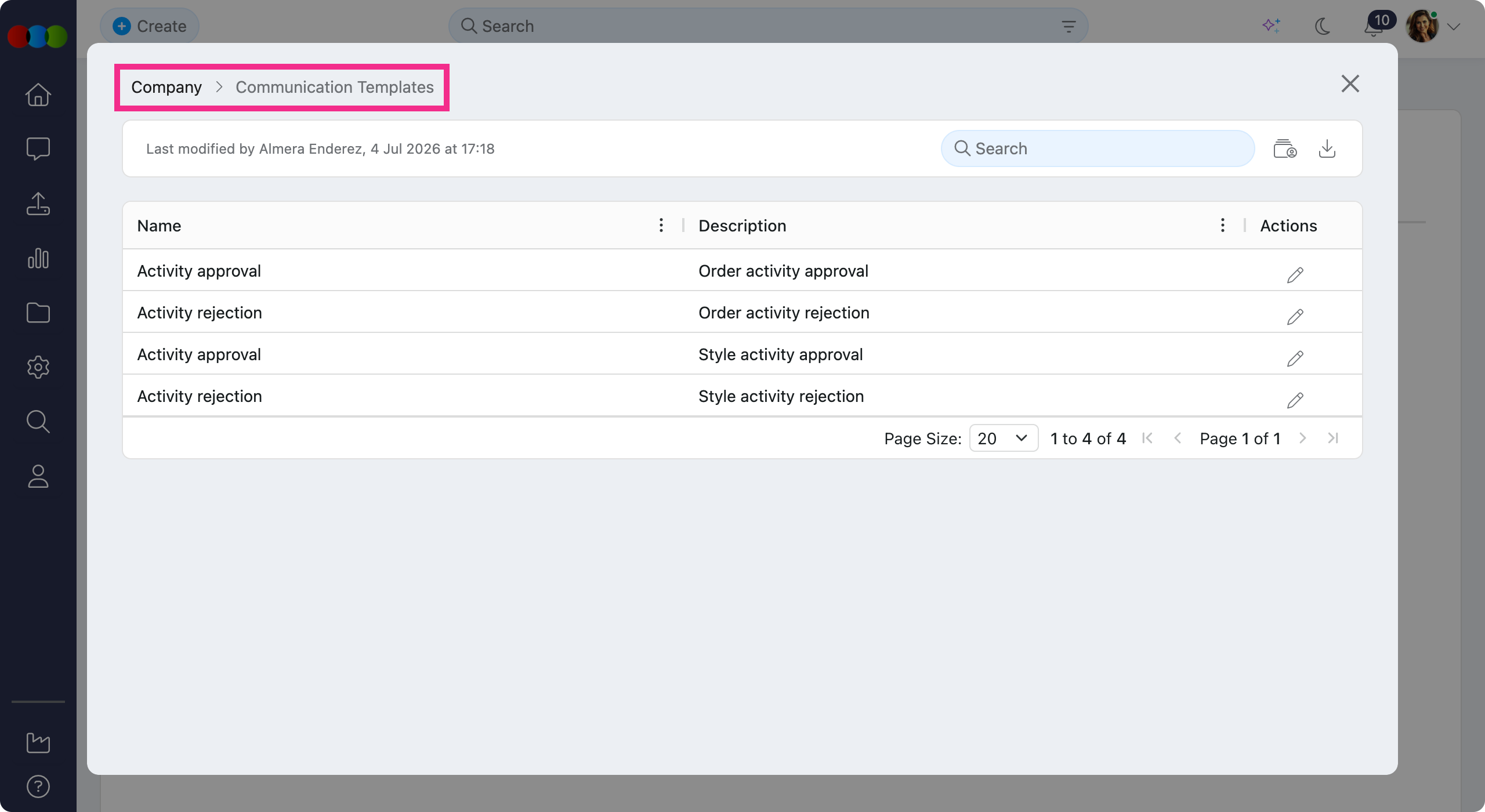
Communication Templates now appears on the Site Settings > Company overview with a clearer and enhanced display.
All existing functionalities in creating the template remains unchanged.
Site Settings > Company > Communication Templates 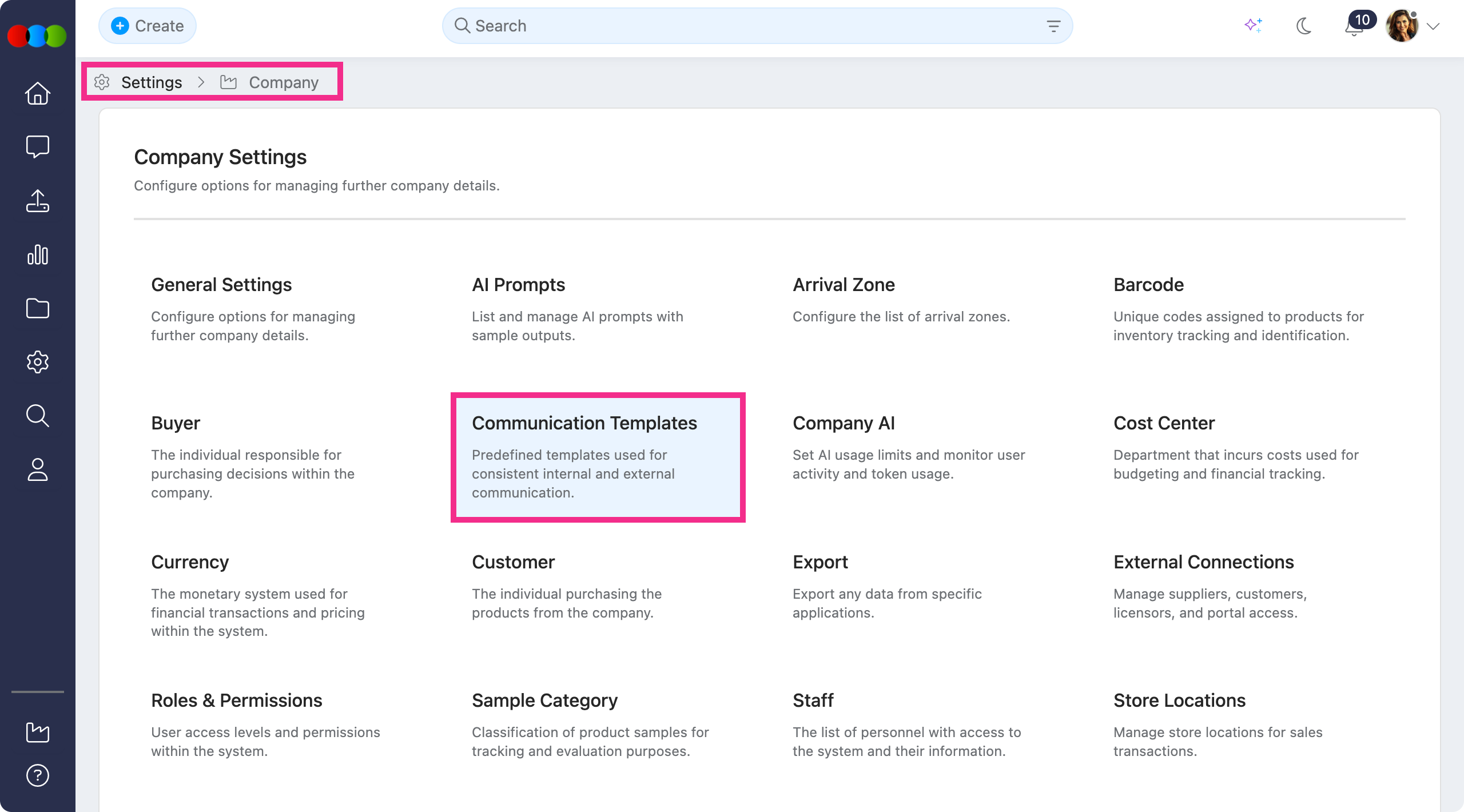
Learn more
To learn more on communication templates, see Site Settings > Company > Communication Templates in the documentation portal.
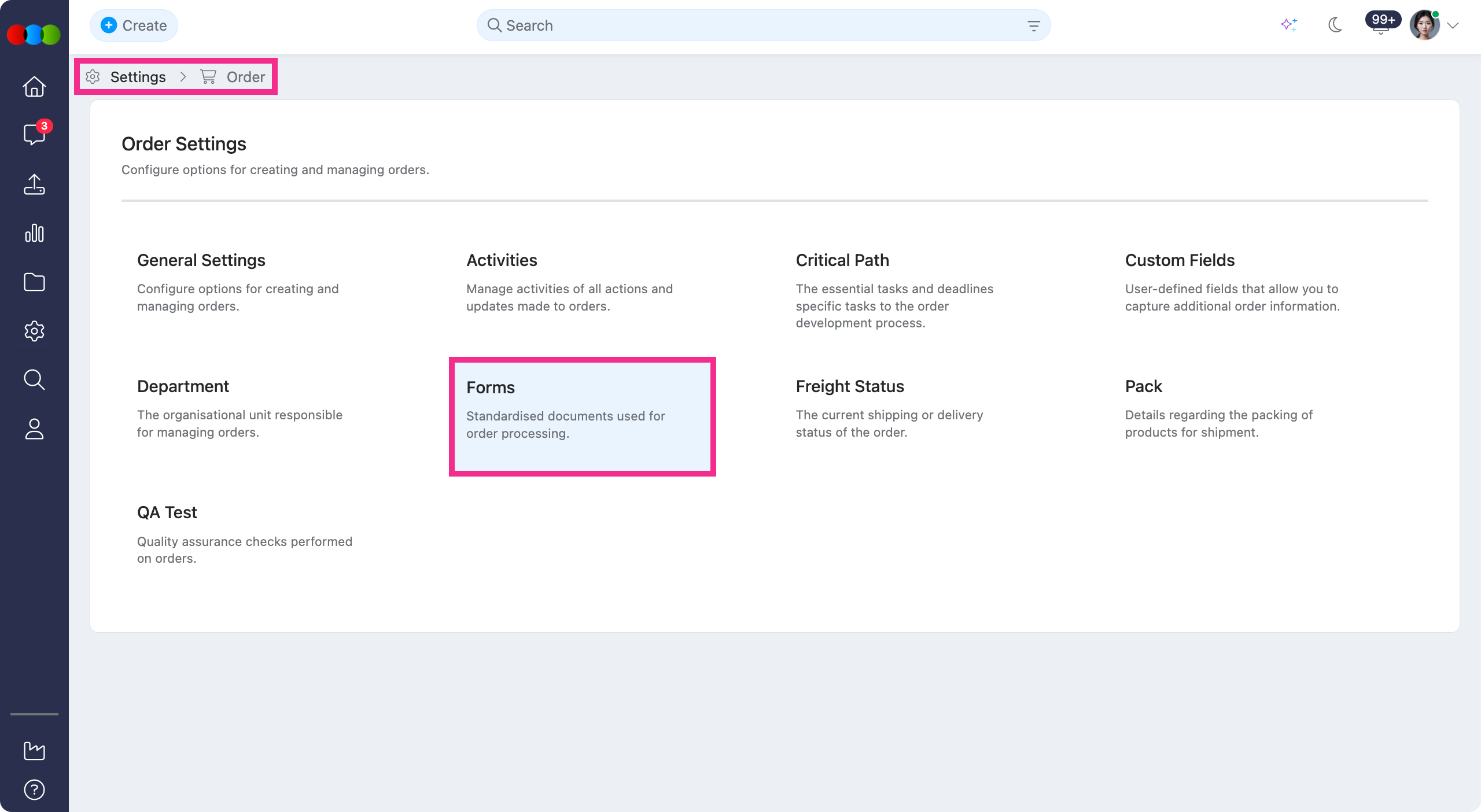
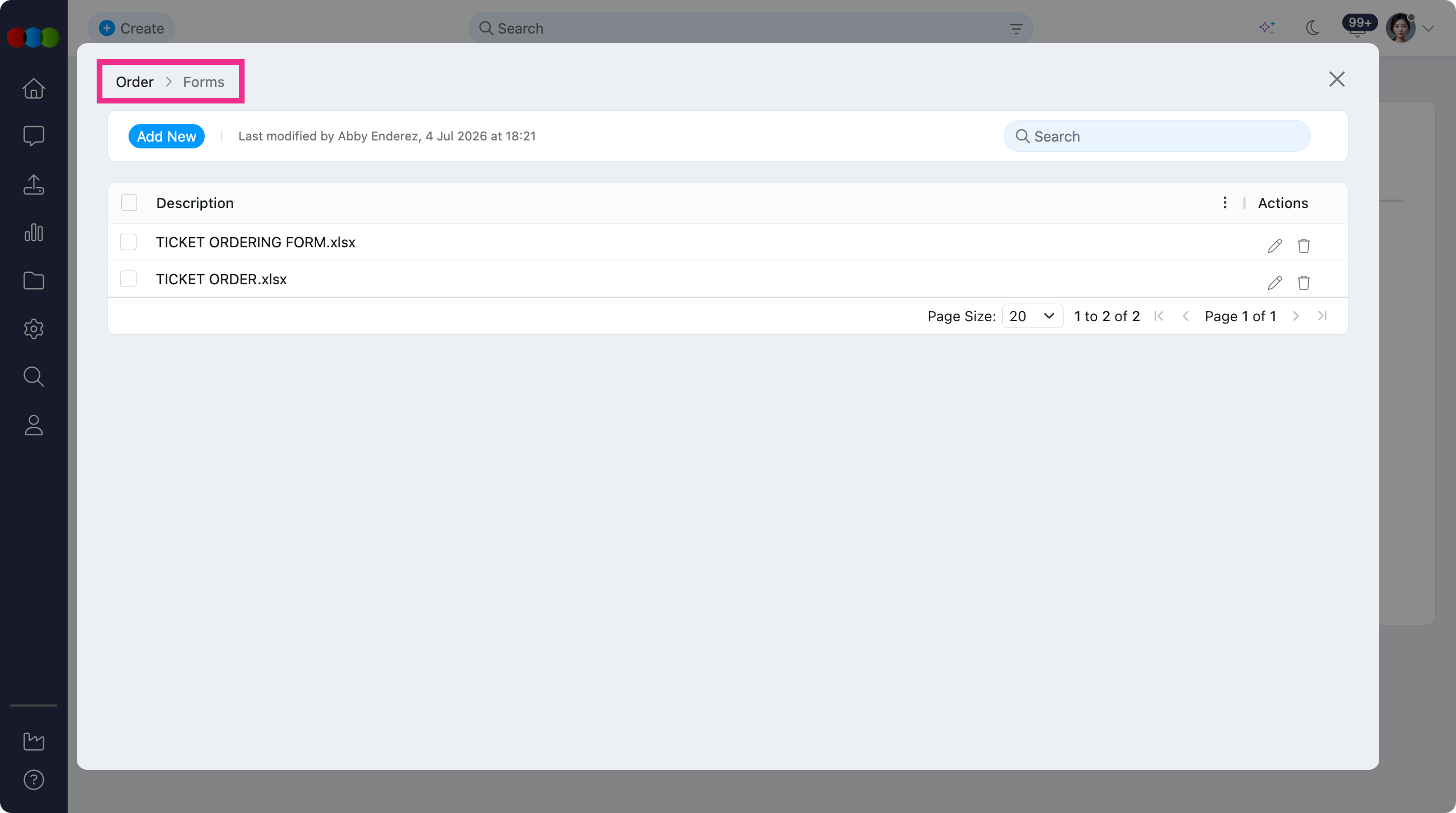
Site Settings > Order > Forms
Forms now appears on the Site Settings > Order overview with a clearer, modern tile layout. This makes it so much easier to find and open the standardised documents used in your order processing workflows.
Learn more
For step-by-step guidance on creating forms, configuring Excel field mappings, and attaching templates to orders, see Site Settings > Order > Forms and Order > Side Widgets > Forms in the documentation portal.
Reports > Orders > Milestone Orders > PO Version
The PO Version column in Reports > Orders > Milestone Orders did not always show the correct value when a Purchase Order Form had been generated for an order.
This has been fixed. PO Version now displays the correct version number for orders with a generated Purchase Order Form.
Site Settings > Suppliers > Production > Milestone & Site Settings > Order > Milestone
Site Settings > Order > Milestone has been removed and is no longer supported in the new Supplier Portal. As part of this change, the Milestone field in Site Settings > Company > Suppliers > Production is also being removed.
Site Settings > Order > Milestone 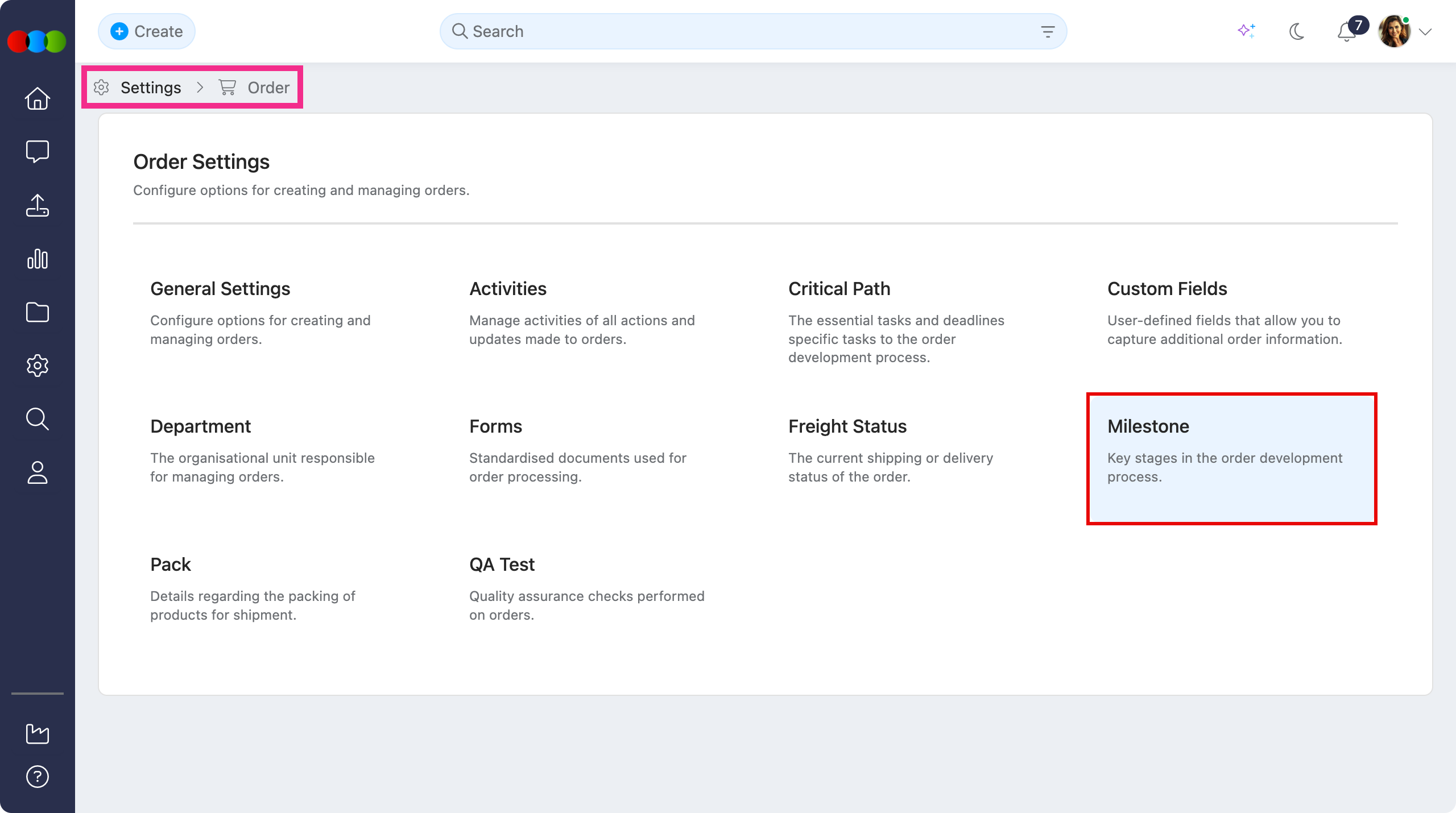
Site Settings > Company > Suppliers > Production > Milestone 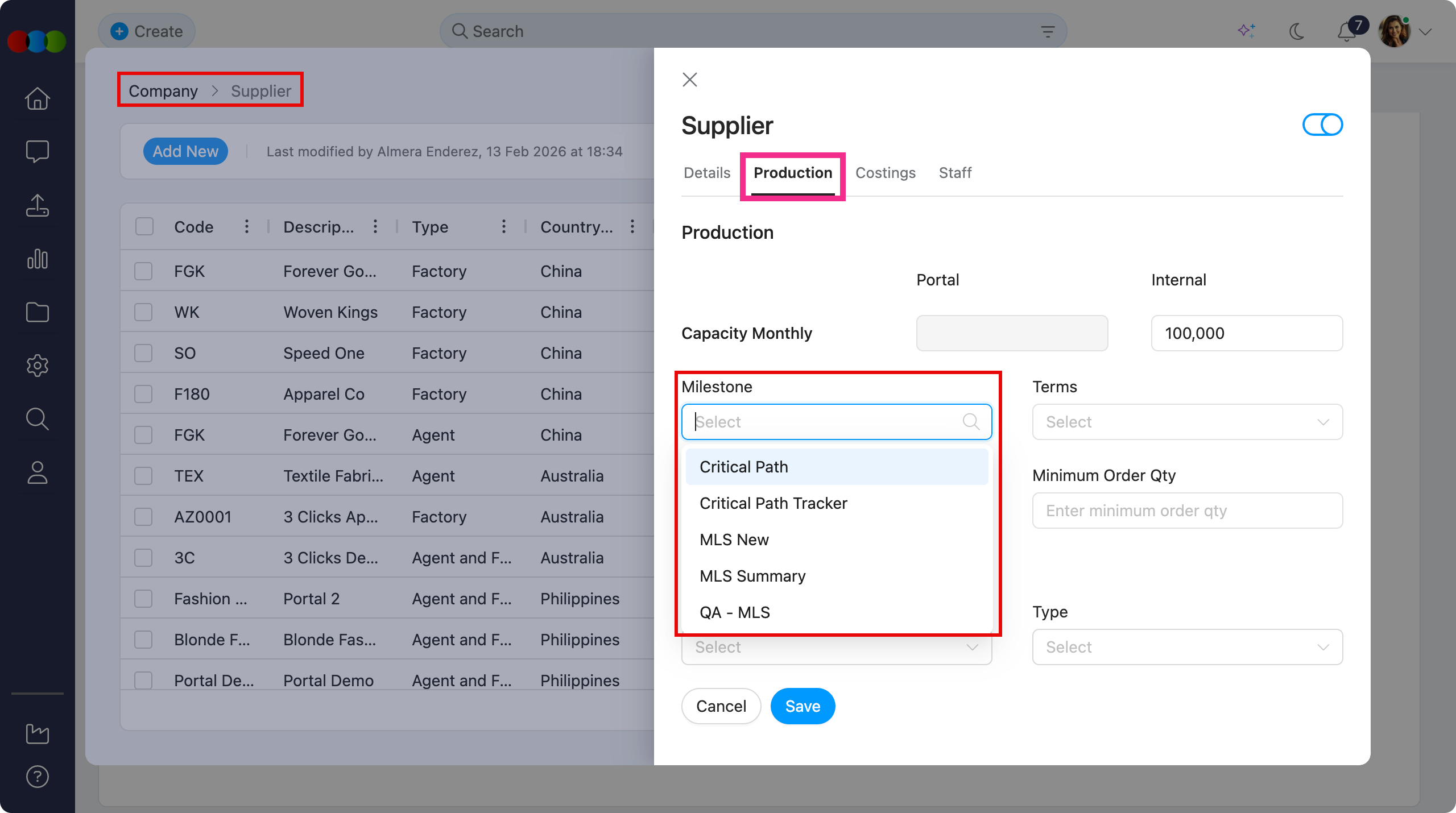
With this, use Critical Path templates and activities to define and track order milestones instead:
- Configure milestone templates in Site Settings > Order > Critical Path.
- Define trackable activities in Site Settings > Order > Activities.
- Suppliers view and complete milestones from Critical Path on shared orders and styles in the Supplier Portal.
Note
Existing milestone data saved on supplier production records are no longer used. Review your critical path templates (example: Site Settings > Style > Critical Path) and portal display settings to ensure suppliers can still see and progress the milestones you need.
Thank you for helping us make things better! If you spot anything else, let us know — we're always here to help.
Happy clicking!
Previous Release Notes