Overview
Administrators use Site Settings > Claim to configure the Claim application: defaults such as managers and members, automatic folders, and the claim type list used when classifying claims. Together, these settings shape how claims are created and managed everywhere the Claim module appears.
End-user workflows for creating and working with claims are documented under Claim > Overview.
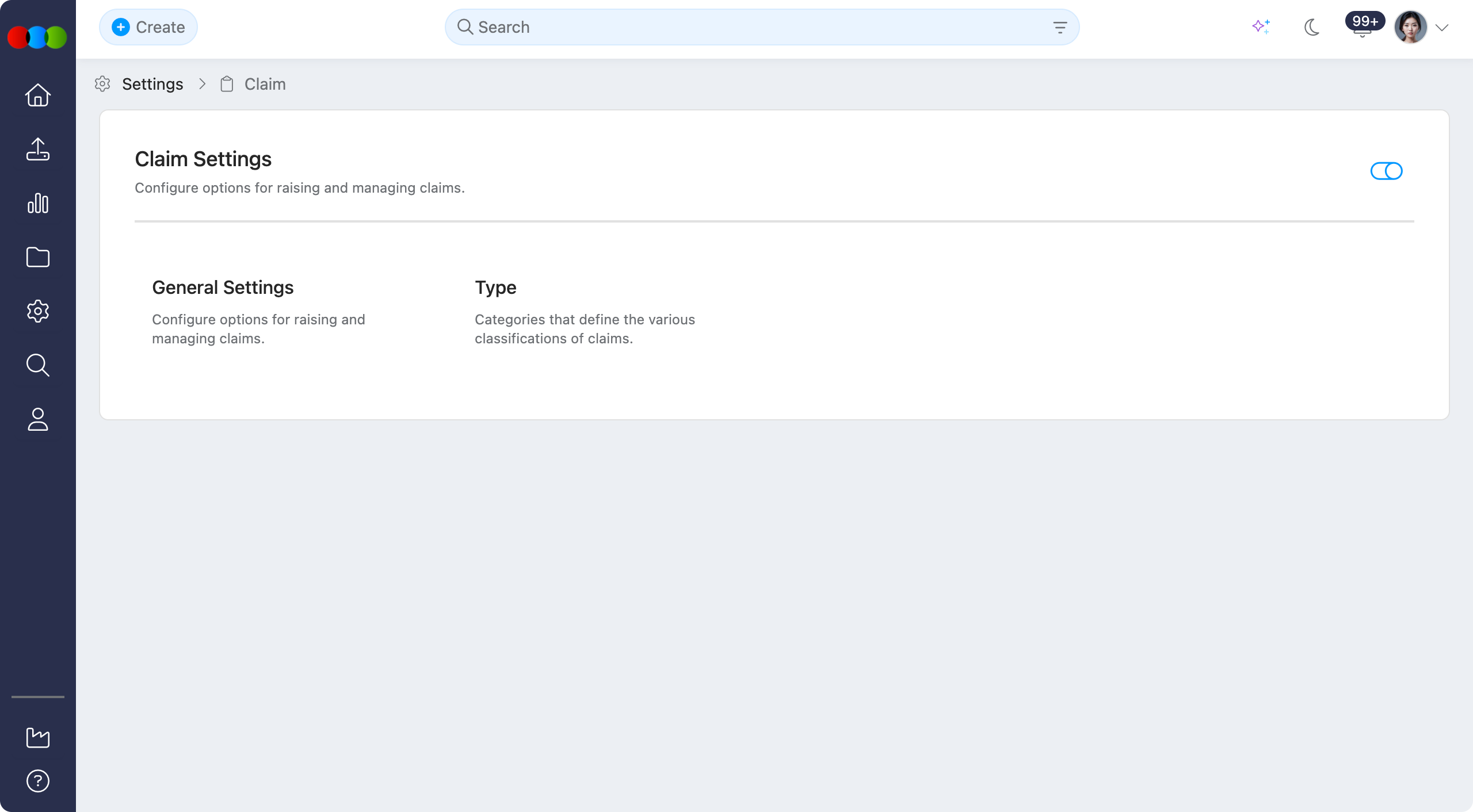
Enable or Disable
Use the toggle to Enable or Disable the whole Claim application in your 3 Clicks Cloud.
When Claim is disabled
Turning this toggle off hides the Claim application across the system. In practice:
- Users cannot create new claims from any entry point, including shortcuts on orders or styles.
- Claim Search and Advanced Search (including when you would choose or filter to Claim) are hidden.
- Claim is not shown anywhere the platform would normally surface Claim: navigation, widgets, search, and related actions.
- Existing claim data is not described here as deleted; access is removed from the UI until the application is enabled again. For day-to-day claim usage, see Claim > Overview.
Configurable sections
| Topic | Purpose |
|---|---|
| General Settings | Default claim manager, default members, and automatic folder creation for new claims. |
| Type | Claim types: categories used when creating and filtering claims. |
Note
Company-wide lists used on claims (for example Staff) are configured under Site Settings > Company, not only in this section.