Overview
Administrators use Site Settings > Costing to maintain the data and defaults that drive costing records: templates (including currency and percentage rules), freight codes, import duty codes, and costing-wide workflow toggles such as defaults and supplier portal behaviour.
How these settings interact with Component, Retail, and Import costings is described on each costing type page and in Costing > Overview.
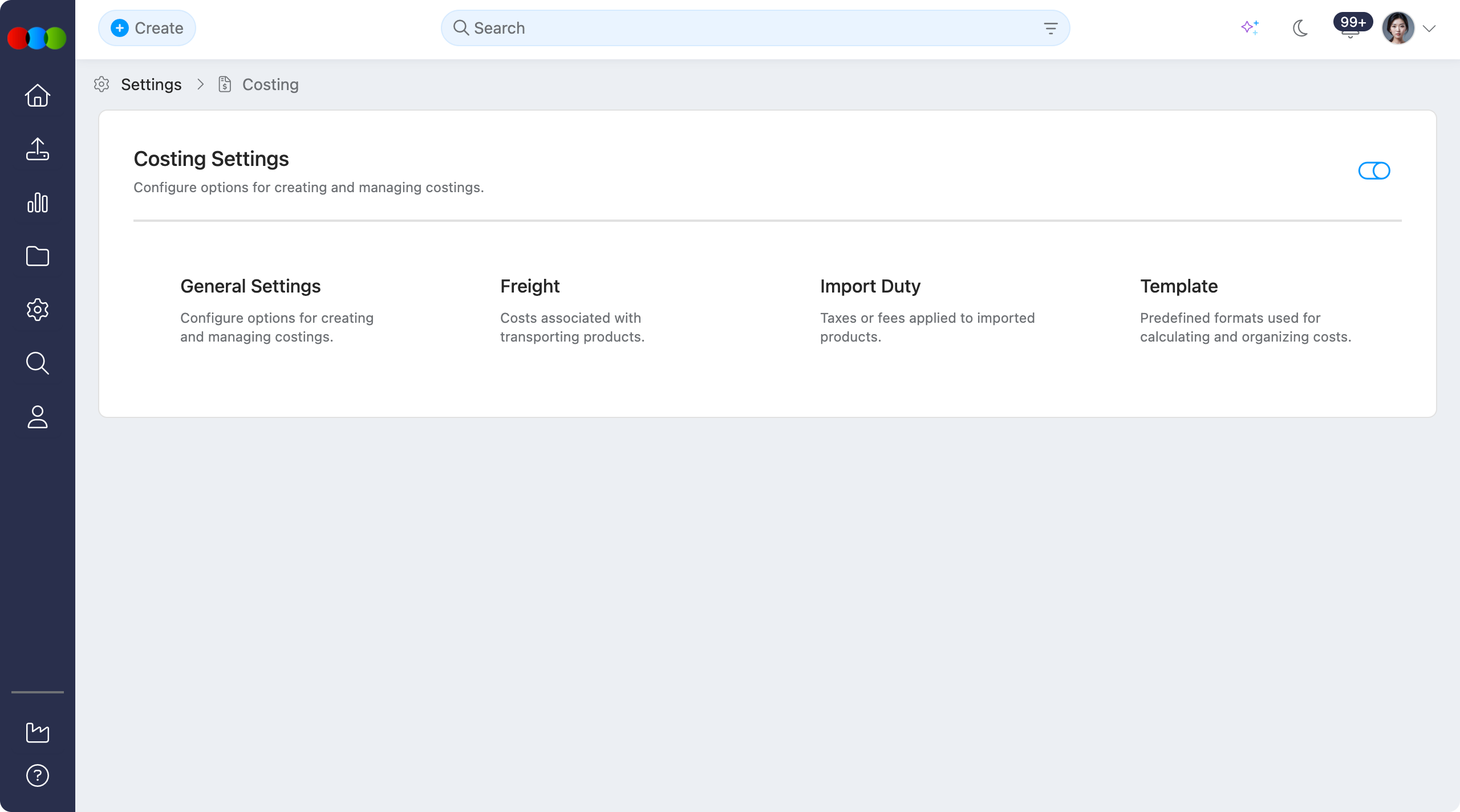
Enable or Disable
Use the toggle to Enable or Disable the whole Costing application in your 3 Clicks Cloud.
When Costing is disabled
Turning this toggle off hides the Costing application across the system. In practice:
- Users cannot create new costing records from any entry point.
- Costing search and Advanced Search options for Costing are hidden.
- Costing is not shown anywhere the platform would normally surface it: navigation, widgets, search, and related actions.
- Existing costing data is not described here as deleted; access is removed from the UI until the application is enabled again.
Configurable sections
| Topic | Purpose |
|---|---|
| General Settings | Defaults, files, members, style components, supplier portal component editing, order/style pricing hooks (where applicable), and related costing-wide options. |
| Freight | Freight codes (fixed or percentage) used when assigning Freight on a costing—often in Costing > Supplier or Duty and Freight, depending on type. |
| Import Duty | Duty codes and rates for workflows that assign Import Duty per market or line (primarily Import costings). |
| Template | Costing templates: type (Component / Retail / Import), base currency, exchange rows, fixed fees, overhead and sell-cost percentages, required EBIT, components behaviour, and import-only royalty/pricing blocks. |