Overview
Administrators use Site Settings > License to control whether the License application is available and how default folders are created for new license records. This keeps licensing workflows aligned with your operational and compliance requirements.
End-user workflows for license records are documented under License > Overview.
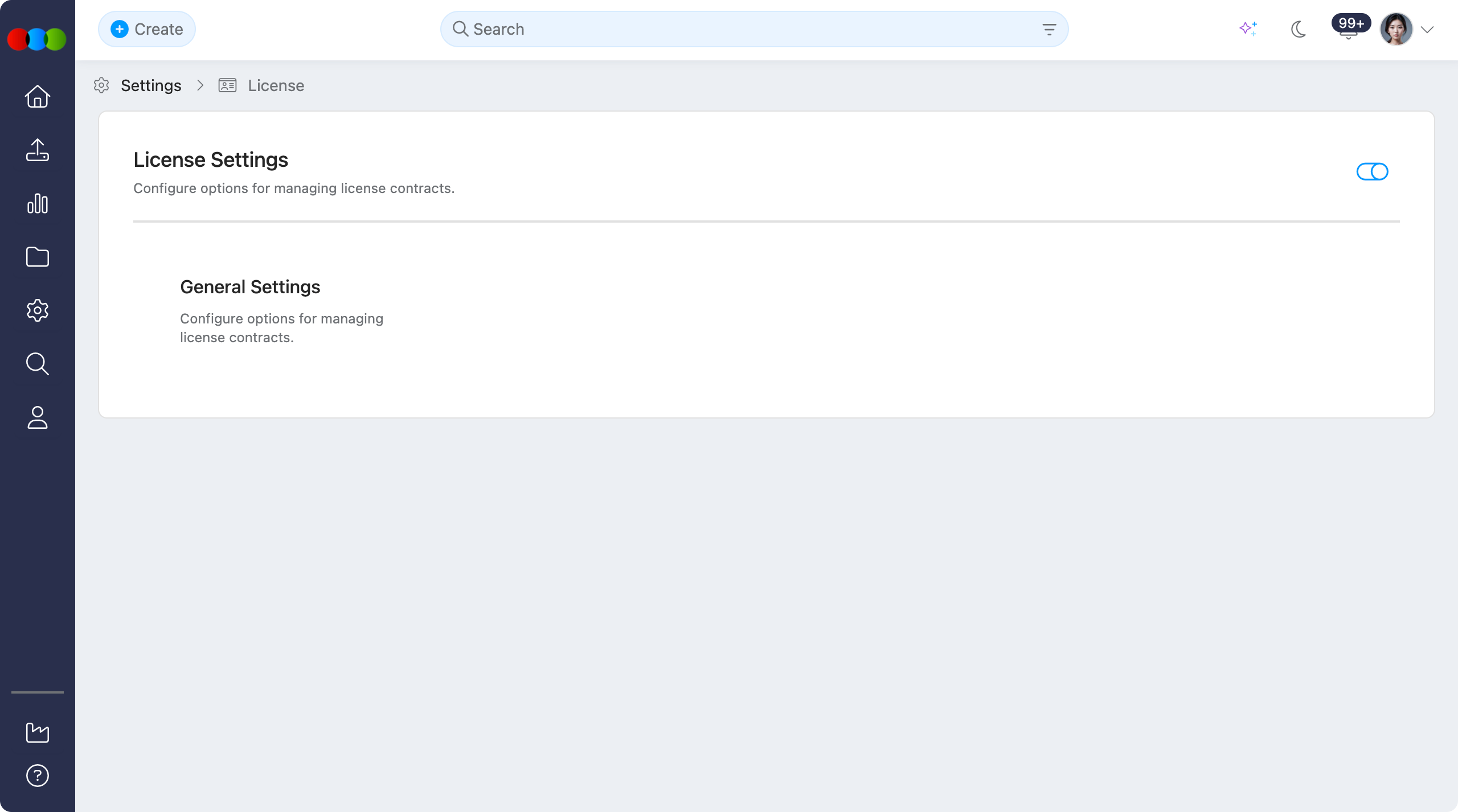
Enable or Disable
Use the toggle to Enable or Disable the License application for your site.
When License is disabled
Turning this toggle off hides the License application across the system. In practice:
- Users cannot create new license records from any entry point.
- License search and Advanced Search options for License are hidden.
- License is not shown anywhere the platform would normally surface it: navigation, widgets, search, and related actions.
- Existing license data is not described here as deleted; access is removed from the UI until the application is enabled again.
Configurable sections
| Topic | Purpose |
|---|---|
| General Settings | Enable or disable the License application and configure automatic default folders for new license records. |