Overview
Administrators use Site Settings > Planner to control default behaviour for planning outputs and folder setup. These settings help teams standardise planner documents and keep planning files organised from the moment a new plan is created.
End-user planner workflows are documented under Planner > Overview.
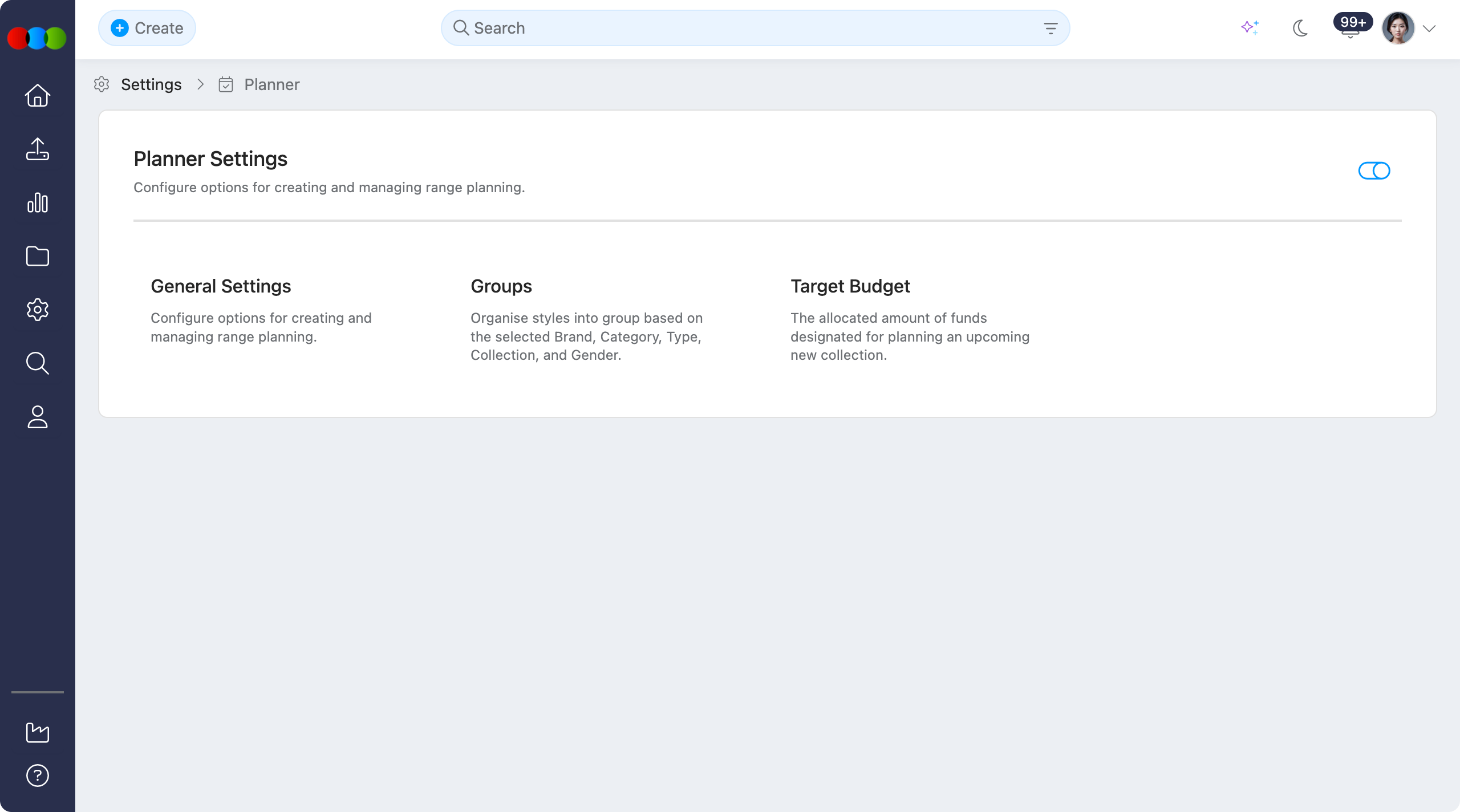
Enable or Disable
Use the toggle to Enable or Disable the whole Planner application in your 3 Clicks Cloud.
When Planner is disabled
Turning this toggle off hides the Planner application across the system. In practice:
- Users cannot create new planner records from any entry point.
- Planner search and Advanced Search options for Planner are hidden.
- Planner is not shown anywhere the platform would normally surface it: navigation, widgets, search, and related actions.
- Existing planner data is not described here as deleted; access is removed from the UI until the application is enabled again.
Configurable sections
| Topic | Purpose |
|---|---|
| General Settings | Configure planner document image behaviour and automatic folder creation for new plans. |
| Groups | Manage planner grouping options used to organise views and workflows. |
| Target Budget | Configure target budget settings used in planner calculations and reporting. |