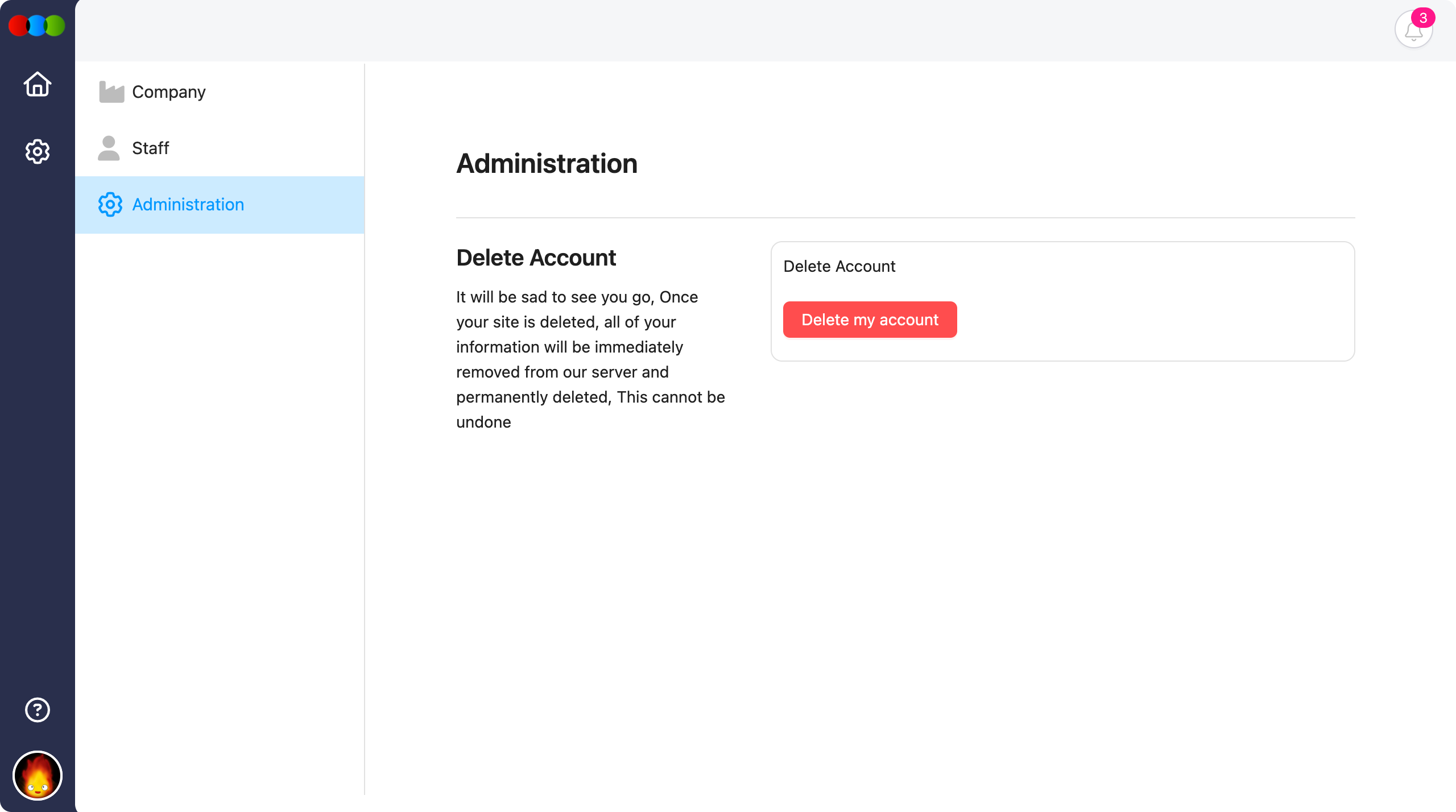
Delete Account
The Administration section in Settings is where you can permanently delete your supplier portal account. Use this page only when you are certain you no longer need access to the portal and the data shared with your organisation.
Quick Check — Before You Start
- Export or save anything you must keep before deleting; recovery is not possible after deletion.
- Understand that deletion removes all supplier portal data associated with your account.
Permanent and irreversible
Once your account is deleted, all of your information will be immediately removed from our server and permanently deleted. This cannot be undone.
How to Delete Your Account
- Go to Settings > Administration.
- Click the red Delete my account button.
- Complete any confirmation steps when prompted.
Do not close the browser or interrupt the flow until the process has finished and you have seen confirmation that the account was deleted.